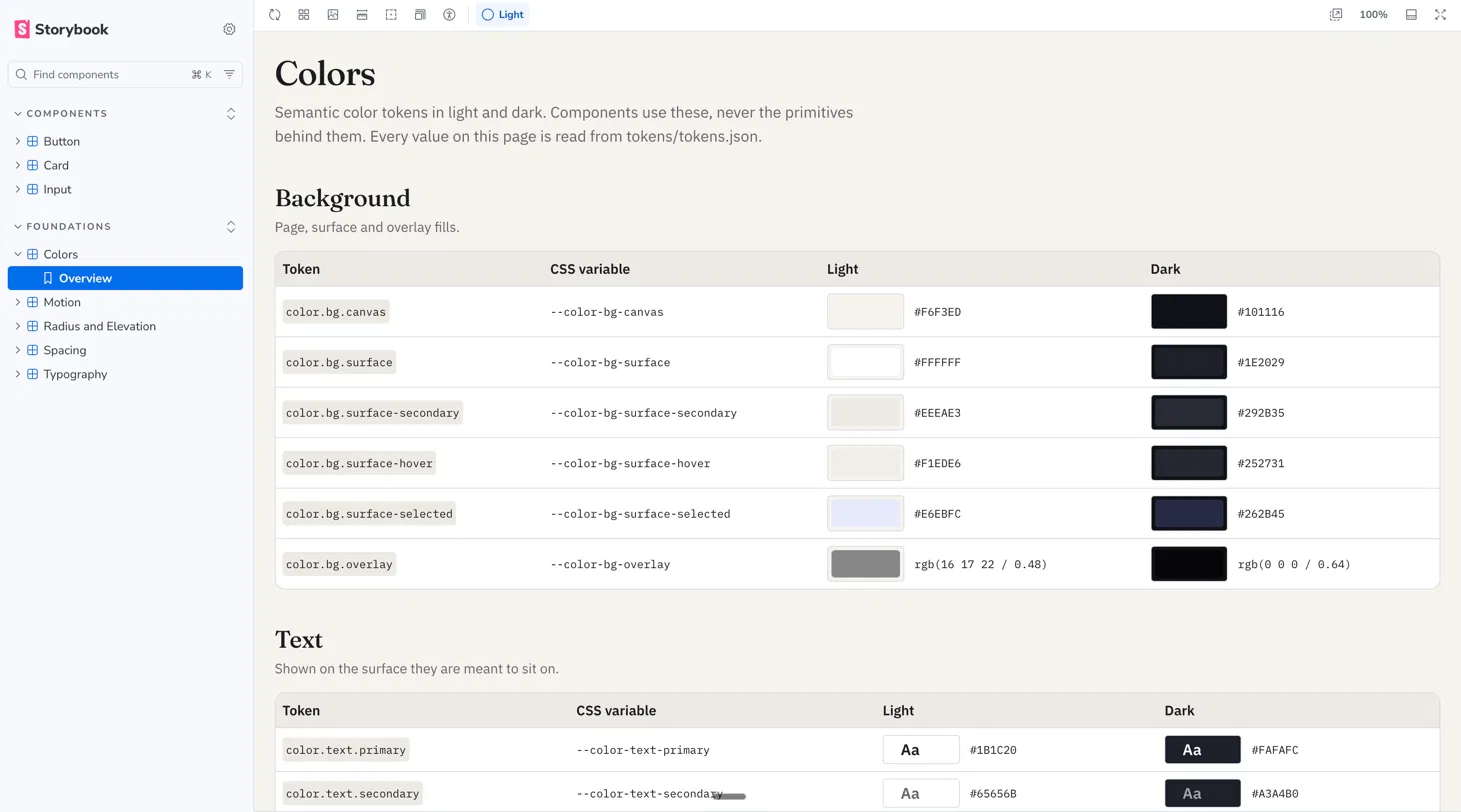
Designs change, but their implementations don’t always keep up. A button color changes, an illustration is added, or spacing is updated in Figma, while the React component remains unchanged. These differences are easy to miss during handoff.
What I did
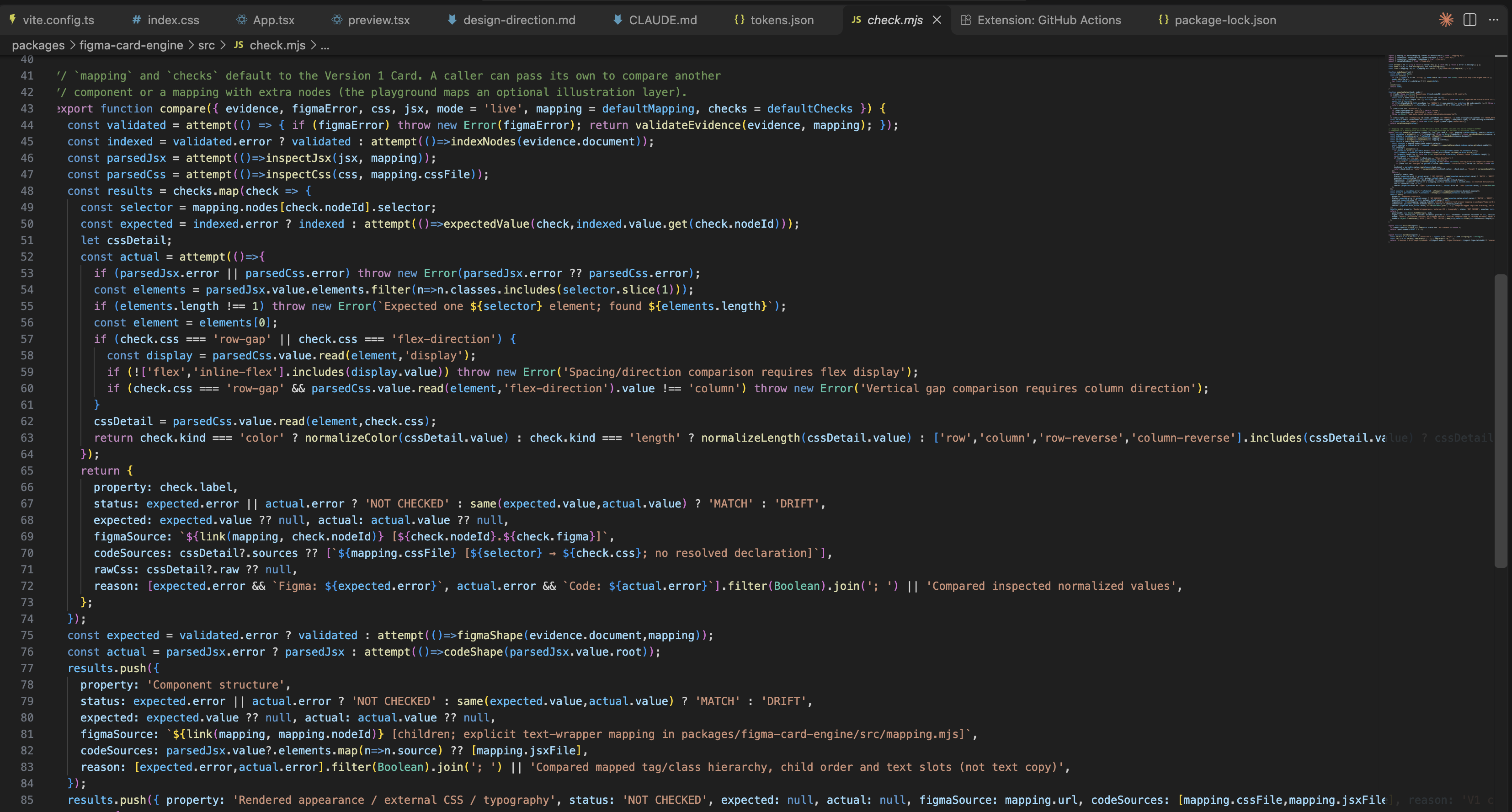
I built a comparison engine that checks supported Figma properties and component structures against React and CSS. Then I created an interactive playground where designers can experiment with changes, detect drift, inspect findings, and simulate fixes.
Results
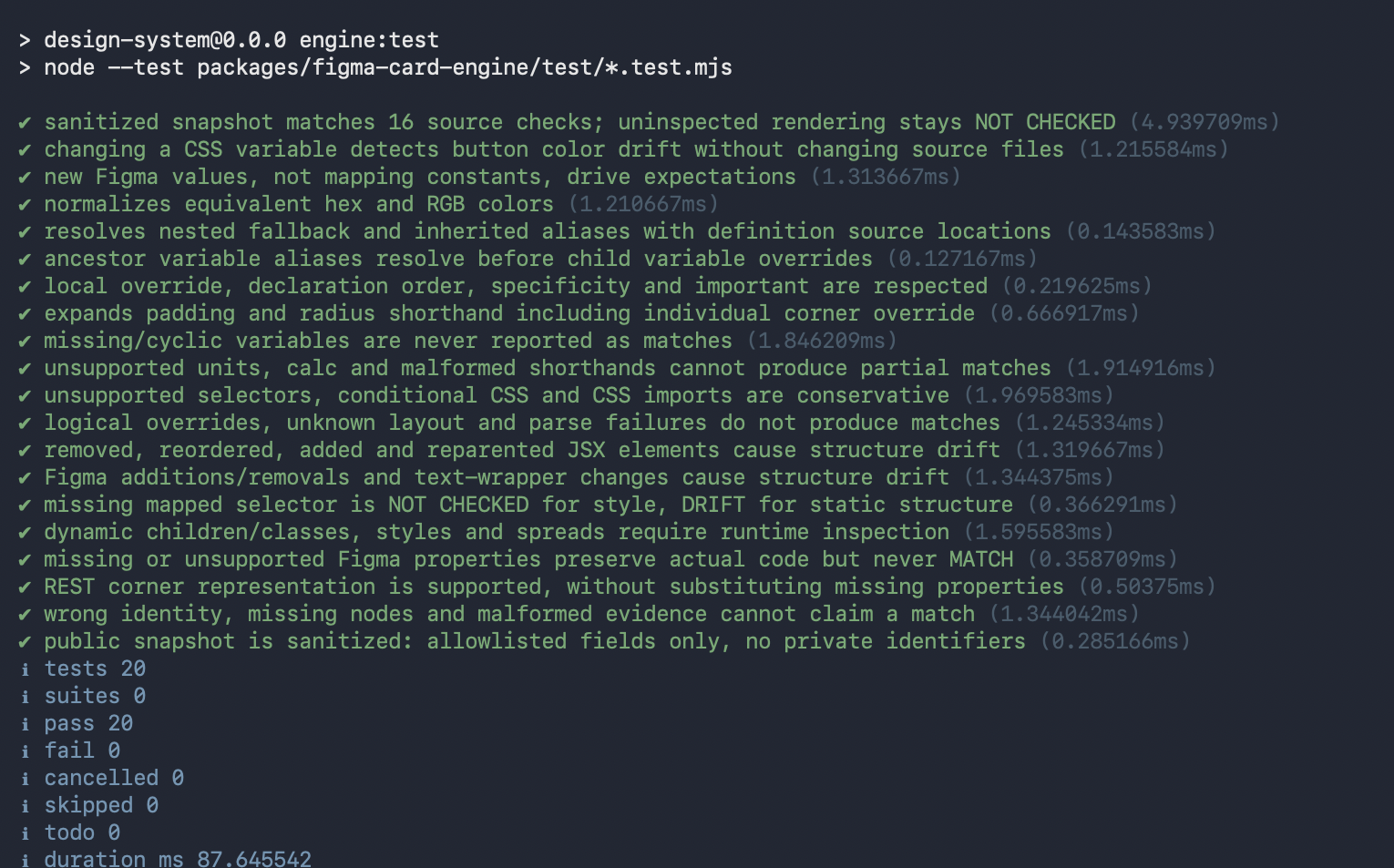
In a live Figma experiment, the checker detected button-color and structural differences. I translated these technical findings into a visual playground that makes design drift easier to understand. All 20 comparison-engine tests passed.
From detecting drift to making it understandable
The first comparison results were technically useful, but not always intuitive. A structural change, for example, could appear as a collection of individual vector differences instead of a meaningful component-level issue.
I wanted to make those findings easier to explore visually, without requiring someone to read a terminal report.
Break the design. See what drifts.
Change the button color, add an illustration, or adjust the Card radius. Run the checker to see what differs from the React implementation, then explore how a fix could be applied.
Runs only in your browser, on a sanitized design specification. It never edits a Figma file or production source code.
Behind the interface is a comparison engine that maps supported design properties to React and CSS values, checks component structure, and generates structured findings. The visual layer makes those findings easier to inspect.
Comparing design with implementation
The comparison engine maps design properties to implementation values, normalizes supported differences, and produces MATCH, DRIFT, or NOT CHECKED findings.
Testing the comparison logic
Twenty automated tests passed, covering color differences, structural changes, CSS value resolution, unsupported properties, and sanitized design data.
From design changes to engineering review
Figma design updated
Compare design and code
Inspect differences
Propose implementation change
Validate and review
The playground demonstrates how teams could identify and discuss differences before implementation changes are reviewed. Simulated fixes make the proposed result visible without modifying the actual repository. It doesn’t open pull requests or change production code.
Results
16baseline checks matched in the original Figma comparison
2differences detected after the Figma Card was modified
The baseline and modified-Card results come from separate runs.
Future explorations
What’s next?
The Drift Checker explores how to validate visual and structural consistency between design and code.
My next experiments focus on interaction specifications and AI evals: describing component behavior more precisely, then testing how reliably AI-generated interfaces follow those requirements.
The longer-term goal is a workflow where generating an interface is only the beginning, and validating its fidelity and behavior becomes part of the design process.